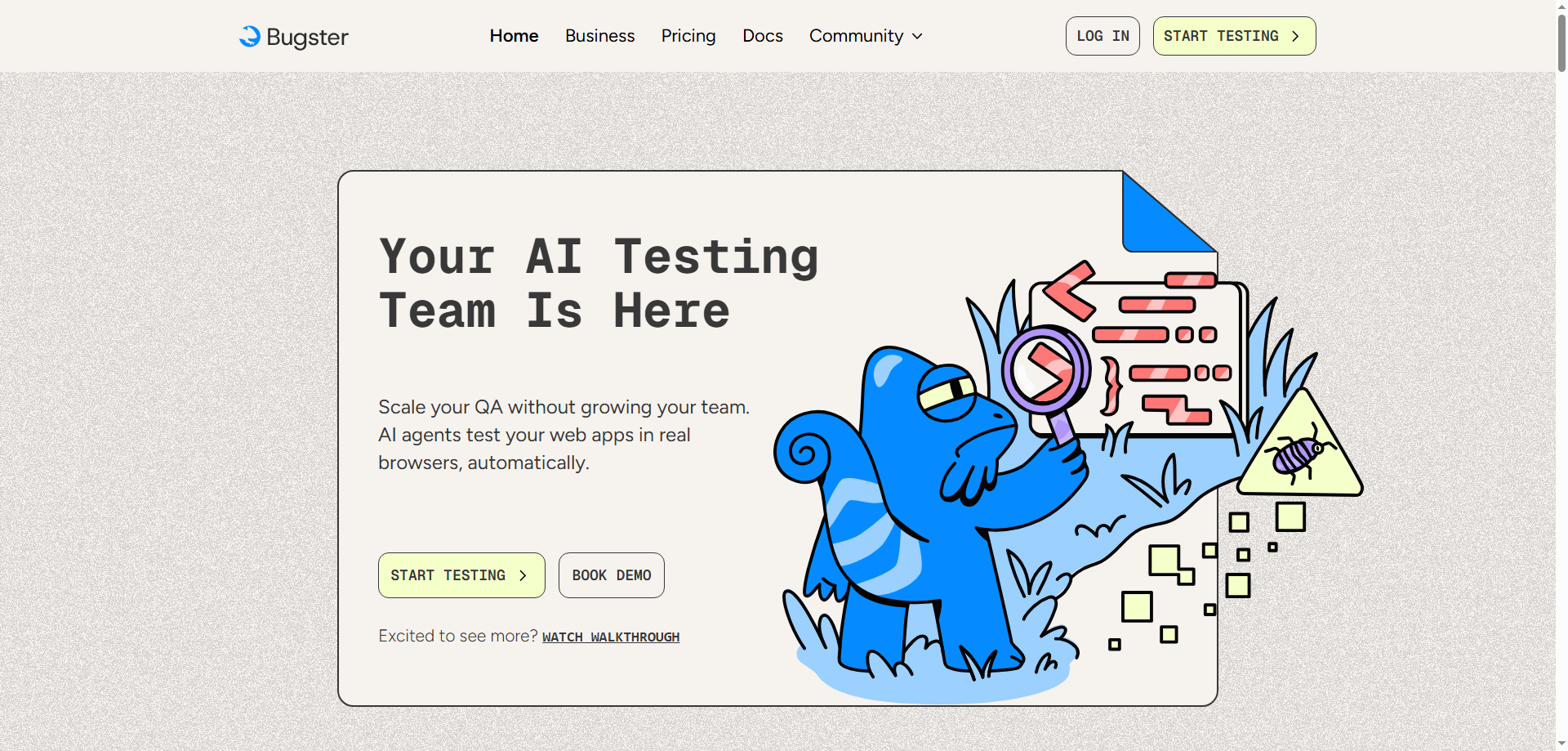
In software development, testing is a critical process that ensures your code functions correctly, efficiently, and delivers a great user experience. However, traditional testing methods can often be slow, tedious, and error-prone. Enter Bugster, a powerful command-line tool that redefines how developers perform end-to-end (E2E) testing. Bugster allows developers to automate the testing of their applications in a real browser environment, using AI-powered assistance to find bugs and user experience (UX) issues almost instantly.
With Bugster, the days of manually running repetitive tests or worrying about missed bugs are over. This tool helps developers save time, avoid errors, and streamline their testing process, ultimately improving the quality and speed of their development cycle. In this article, we will explore what Bugster is, how it works, and how it can transform your development workflow.
What is Bugster?
Bugster is a command-line tool designed for developers to create, edit, and run automated end-to-end (E2E) tests with ease. Unlike traditional testing tools that require manual setup and execution, Bugster streamlines the process by automatically running tests in real browser environments. It acts as a virtual "test engineer," running your code changes through simulations of real user actions to detect bugs, verify interactions, and uncover UX issues.
The primary goal of Bugster is to make testing seamless and fast by providing immediate feedback on code changes. Once the tests are complete, Bugster instantly notifies developers if the changes are as expected or if something went wrong, allowing for quick fixes and efficient development cycles.
Why Use Bugster for E2E Testing?
In the fast-paced world of software development, efficiency is key. Bugster solves several common pain points in the testing process by automating and simplifying end-to-end testing, which can be time-consuming and error-prone when done manually. Here are some reasons why Bugster is a game-changer for developers:
-
Seamless E2E Test Creation: Bugster enables developers to create comprehensive, automated end-to-end tests without the need for complex configurations or coding. This makes testing accessible to both experienced and junior developers alike.
-
Real-Time Testing and Feedback: By running tests in real browser environments, Bugster simulates how real users would interact with your application, making the feedback more accurate. Developers can get instant feedback on whether their changes function as expected, which speeds up development.
-
AI-Powered Assistance: Bugster integrates Claude Code to enhance the testing experience. This AI integration helps developers write smarter and more efficient test scripts, making the testing process faster and more intelligent.
-
Efficient Bug Detection: Instead of manually checking each element after every change, Bugster automates the detection of potential bugs and UX issues, reducing human error and increasing reliability.
-
Local Testing for Security and Privacy: Bugster prioritizes privacy by running tests locally on your machine. This ensures that all your data, including test results and application data, stay within your own environment, enhancing security.
Core Features of Bugster
1. Seamless E2E Test Creation
Creating end-to-end tests with Bugster is incredibly simple. Developers can generate test scripts directly from the command line, saving time and avoiding the complexity of traditional testing frameworks. With just a few commands, you can have your tests up and running in no time. This feature reduces the need for additional configuration and allows developers to focus more on code quality than on setting up tests.
2. Real-Time Editing and Test Modifications
Bugster gives developers the flexibility to edit their tests in real time. With direct command-line access, developers can make quick changes to test scenarios and logic, ensuring that their testing stays in sync with ongoing development. This rapid iteration allows for faster testing and debugging cycles, ultimately speeding up the development process.
3. Browser-Based Code Exploration
By running tests in actual browsers, Bugster allows developers to interact with their application as real users would. It simulates user behavior and identifies bugs or UX problems based on the way the code functions in a live browser environment. This ensures that you are testing under realistic conditions and helps catch issues that may not be apparent in traditional, non-interactive testing.
4. Instant Feedback on Code Changes
Once tests are executed, Bugster provides immediate feedback. Developers don’t need to wait for hours or even minutes for testing results. If there are issues, Bugster highlights them right away, offering suggestions for fixes. This real-time feedback loop ensures that any code changes are verified before they are deployed, improving the overall stability of the application.
5. AI-Powered Testing with Claude Code
The integration of Claude Code allows Bugster to intelligently assist in the writing and execution of tests. Claude's AI capabilities help optimize test scripts and improve accuracy, making it easier to detect issues that might otherwise be missed. This AI-powered testing also helps automate repetitive tasks, freeing developers to focus on higher-level concerns.
How to Use Bugster
Using Bugster is simple and intuitive. Here’s how it works:
-
Install Bugster: Begin by installing Bugster on your development machine. The tool is easy to set up and doesn’t require any complex configurations.
-
Create and Edit E2E Tests: Using the command-line interface, you can quickly generate tests for your application. You can also edit the tests in real time to reflect changes in the code.
-
Run Tests in Real Browsers: Once your test scenarios are ready, run them in a real browser environment. Bugster will simulate user interactions with your app to detect bugs, UI glitches, or UX issues.
-
Get Instant Feedback: After the tests are complete, you’ll receive immediate feedback. If any issues are found, Bugster provides actionable insights and recommendations for how to fix them.
-
Iterate and Improve: Use the results from Bugster to refine your code, resolve issues, and optimize the user experience. Re-run the tests as needed until you’re satisfied with the results.
Real-World Use Cases for Bugster
1. Front-End Developer Testing UI Changes
A front-end developer has made several UI changes to a button’s appearance and behavior. To ensure everything works as expected, they use Bugster to run an E2E test that checks if the button responds correctly when clicked and if the visual changes are displayed properly. Bugster ensures that all aspects of the change are functioning smoothly.
2. Back-End Developer Testing New Features
A back-end developer is adding a new feature to an application but is concerned that it may break existing functionality. With Bugster, they can run E2E tests covering critical user paths to verify that the new feature doesn’t interfere with other components of the application.
3. QA Tester Automating Regression Tests
A QA tester needs to run regression tests on a complex user registration flow to ensure new updates don’t introduce bugs. By using Bugster, the tester can automate the entire testing process, quickly executing the tests and obtaining instant feedback, saving hours of manual testing.
4. Pre-Code Review Testing
Before a code review, developers want to quickly verify that a code change doesn’t introduce any bugs. Using Bugster, they can run an E2E test specific to the change and get immediate feedback on whether the code works as expected.
Why Bugster is a Game-Changer for E2E Testing
Bugster is a powerful tool that simplifies and automates the end-to-end testing process for developers. Its AI-powered capabilities, real browser testing, and real-time feedback loop make it an indispensable tool for modern software development. By seamlessly integrating with your existing development workflow, Bugster saves time, increases accuracy, and ensures that your application performs flawlessly before it reaches your users.
Conclusion
In today’s fast-paced software development environment, efficiency is key, and Bugster provides the ideal solution for developers looking to automate and optimize their end-to-end testing. With Bugster, you can quickly detect bugs, verify code changes, and improve the user experience—all with minimal effort and maximum accuracy. Whether you are a front-end developer, back-end developer, QA tester, or part of a larger team, Bugster can significantly enhance your development workflow, allowing you to deliver high-quality applications faster.