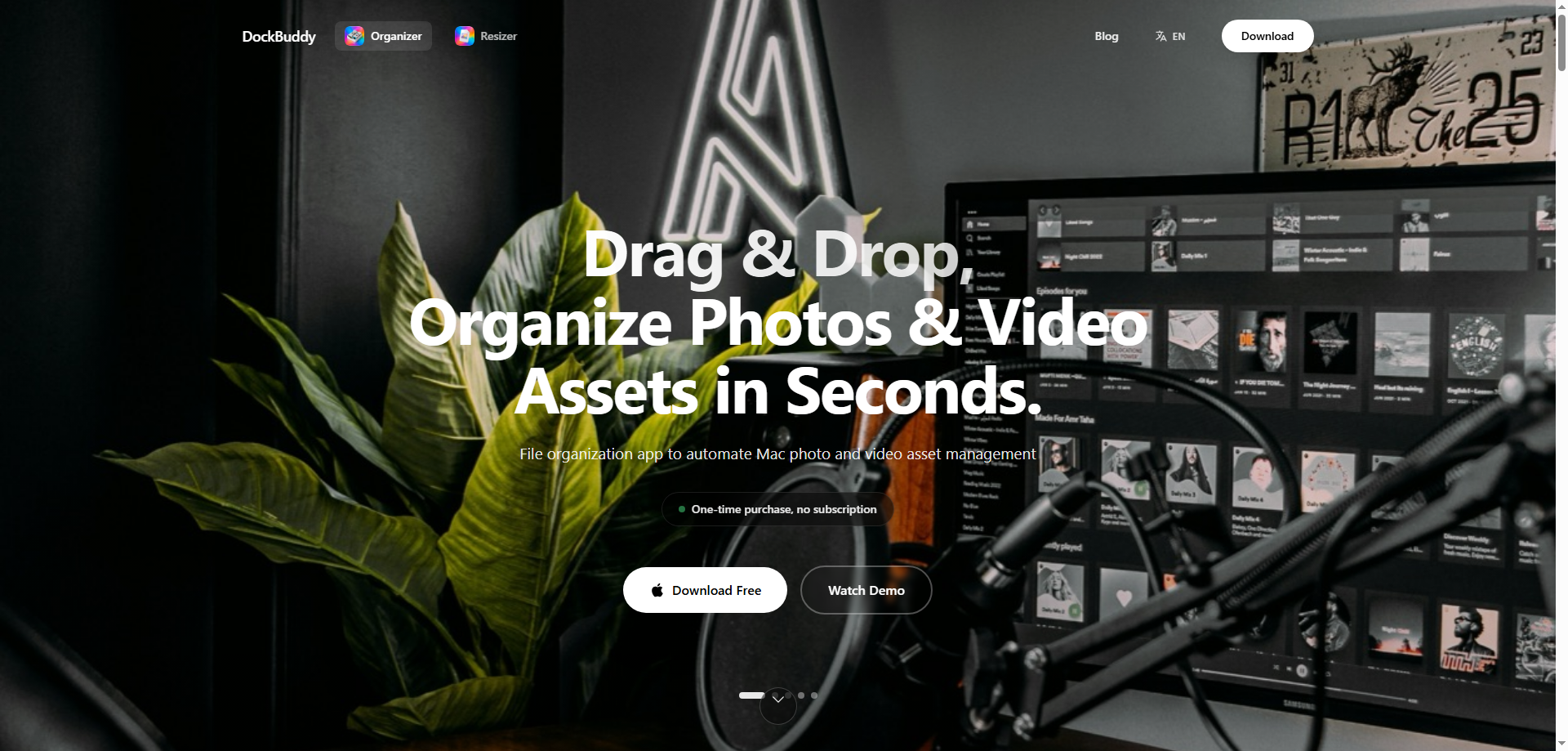
For content creators, photographers, videographers, and anyone working with large amounts of media files, organizing raw files, videos, and audio data can often be a time-consuming and tedious task. After shooting a session or working on a project, you might find yourself overwhelmed by the sheer number of files scattered across your computer. This is where DockBuddy Organizer comes in—a simple yet powerful tool designed to help you sort and organize your media files automatically, saving you time and energy.
DockBuddy Organizer uses intuitive drag-and-drop functionality to allow users to quickly and effortlessly categorize and organize their files based on EXIF data and file types. With this tool, there’s no need to manually sort files into folders or worry about finding a specific file later on. Everything is neatly organized for you, making the process of managing your creative projects much more efficient.
In this article, we’ll explore what DockBuddy Organizer is, how it works, its key features, and how it can improve the efficiency of your creative workflow.
What is DockBuddy Organizer?
DockBuddy Organizer is a smart file management tool that automatically organizes your media files—photos, videos, and audio files—based on their EXIF data and file types. It is designed to simplify the time-consuming process of organizing large amounts of raw media files after a shoot or project. The tool works by allowing you to drag and drop files onto its Dock icon, and then it intelligently categorizes the files into clearly labeled folders based on factors such as date, location (if available), and file format.
Whether you're a photographer managing dozens of RAW images, a videographer handling large video files, or a content creator working with various types of audio and visual media, DockBuddy Organizer helps you keep everything organized in a logical and easy-to-access structure. This eliminates the need for manual sorting and allows you to find your files faster and more efficiently.
Why Choose DockBuddy Organizer?
Managing files efficiently is crucial for anyone working with large volumes of media, and DockBuddy Organizer makes this task effortless. Here are several reasons why DockBuddy Organizer is the perfect solution for content creators, photographers, and anyone who needs to stay organized:
-
Automatic Organization: DockBuddy Organizer automatically categorizes and sorts your files based on their EXIF information and file type, saving you from the hassle of manual organization. This ensures that your files are consistently organized every time you use it.
-
Intuitive Drag-and-Drop Interface: The user interface of DockBuddy Organizer is simple and intuitive. All you have to do is drag your files into the Dock icon, and the tool will handle the rest. There’s no need for complex settings or configurations, making it easy for anyone to use.
-
RAW File Support: For photographers and professionals who work with RAW images, DockBuddy Organizer fully supports the organization of these files, ensuring that even high-resolution and large files are neatly sorted and easy to access.
-
Efficient Video and Audio File Management: Whether you’re working with large video files or audio recordings, DockBuddy Organizer makes it easy to keep track of your media by categorizing them according to their format and other metadata.
-
Time-Saving: By automating the file organization process, DockBuddy Organizer helps save valuable time. You won’t have to spend hours manually sorting files, and you can focus more on your creative work and productivity.
Core Features of DockBuddy Organizer
1. Automatic Categorization of Files
DockBuddy Organizer uses EXIF data (such as shooting date, camera model, and location) to categorize your media files. It recognizes the file type—whether it's a photo, video, or audio file—and organizes them accordingly. This makes it easy to find exactly what you’re looking for without digging through folders or naming files yourself.
2. Efficient Drag-and-Drop Functionality
The drag-and-drop interface is one of the most powerful features of DockBuddy Organizer. You can quickly drag your files into the app’s Dock icon, and it will instantly categorize and sort them into appropriate folders. This simplicity makes it incredibly user-friendly, even for those who aren’t tech-savvy.
3. RAW File Support for Photographers
For professional photographers and advanced users, managing RAW image files can be challenging. DockBuddy Organizer handles these large, high-quality files with ease, organizing them based on the metadata within the files, such as the shooting date or location. This makes it easy to manage your RAW photo library and streamline your workflow.
4. Video and Audio File Management
In addition to image files, DockBuddy Organizer also supports video and audio files. Whether you’re working with MP4, MOV, WAV, or other formats, DockBuddy Organizer can sort these files by type, helping video creators, music producers, and podcasters keep their media organized and easily accessible.
5. Seamless Workflow Integration
DockBuddy Organizer integrates easily into your existing workflow. Whether you’re working on a photography project, a video production, or an audio recording, this tool helps you streamline your content management process. By automating the organizational tasks, you can focus more on your creative work and less on managing files.
How to Use DockBuddy Organizer
Using DockBuddy Organizer is simple and intuitive:
-
Install the Tool: First, download and install DockBuddy Organizer on your computer.
-
Add Files to the Dock: Once installed, place the DockBuddy Organizer icon on your Dock. To organize files, simply drag and drop them onto the icon.
-
Automatic File Sorting: The tool will automatically detect the EXIF data and file type, categorizing the files into appropriate folders based on factors such as shooting date, location, and format.
-
Access and Use Your Files: After the files are organized, you can easily navigate through the neatly sorted folders to find what you need.
-
Repeat the Process: As you continue to work with new media files, simply drag and drop them into DockBuddy Organizer for instant categorization.
Real-World Use Cases for DockBuddy Organizer
1. Photographers Organizing RAW Files
A photographer who has just returned from a shoot might have hundreds of RAW images. By dragging these files into DockBuddy Organizer, they can be automatically categorized by date, location, and camera type, making it much easier to find specific images later for editing.
2. Video Bloggers Managing 4K Video Files
A video blogger who has filmed several outdoor shoots may find it difficult to manage large 4K video files. With DockBuddy Organizer, they can drag their videos into the tool, which will organize them based on the shooting date and file type, allowing for a smooth and efficient editing process.
3. Designers Organizing Client Projects
A graphic designer working with multiple clients may have various design files spread across different folders. DockBuddy Organizer can help them categorize all their project files by client and project date, ensuring that the designer always knows exactly where to find the relevant assets.
4. Home Users Organizing Family Photos and Videos
For home users who have a large collection of family photos and videos, DockBuddy Organizer helps by automatically sorting the media by date, making it easy to find specific memories and revisit important moments.
Why DockBuddy Organizer is a Game-Changer
DockBuddy Organizer is more than just a tool for organizing files—it's a game-changer for anyone who works with large volumes of media. Whether you're a professional photographer, video editor, content creator, or a home user, this tool helps streamline your workflow and improve productivity by automating the file organization process. With its simple drag-and-drop interface, powerful EXIF data handling, and multi-format support, DockBuddy Organizer is a must-have for efficient media management.
Conclusion
If you find yourself overwhelmed with the sheer number of media files from your creative projects, DockBuddy Organizer is the solution you’ve been looking for. This intuitive tool automatically categorizes your photos, videos, and audio files, saving you time and ensuring that your files are always well-organized and easy to access. By using DockBuddy Organizer, you can streamline your workflow, improve your productivity, and focus more on what you love—creating amazing content.