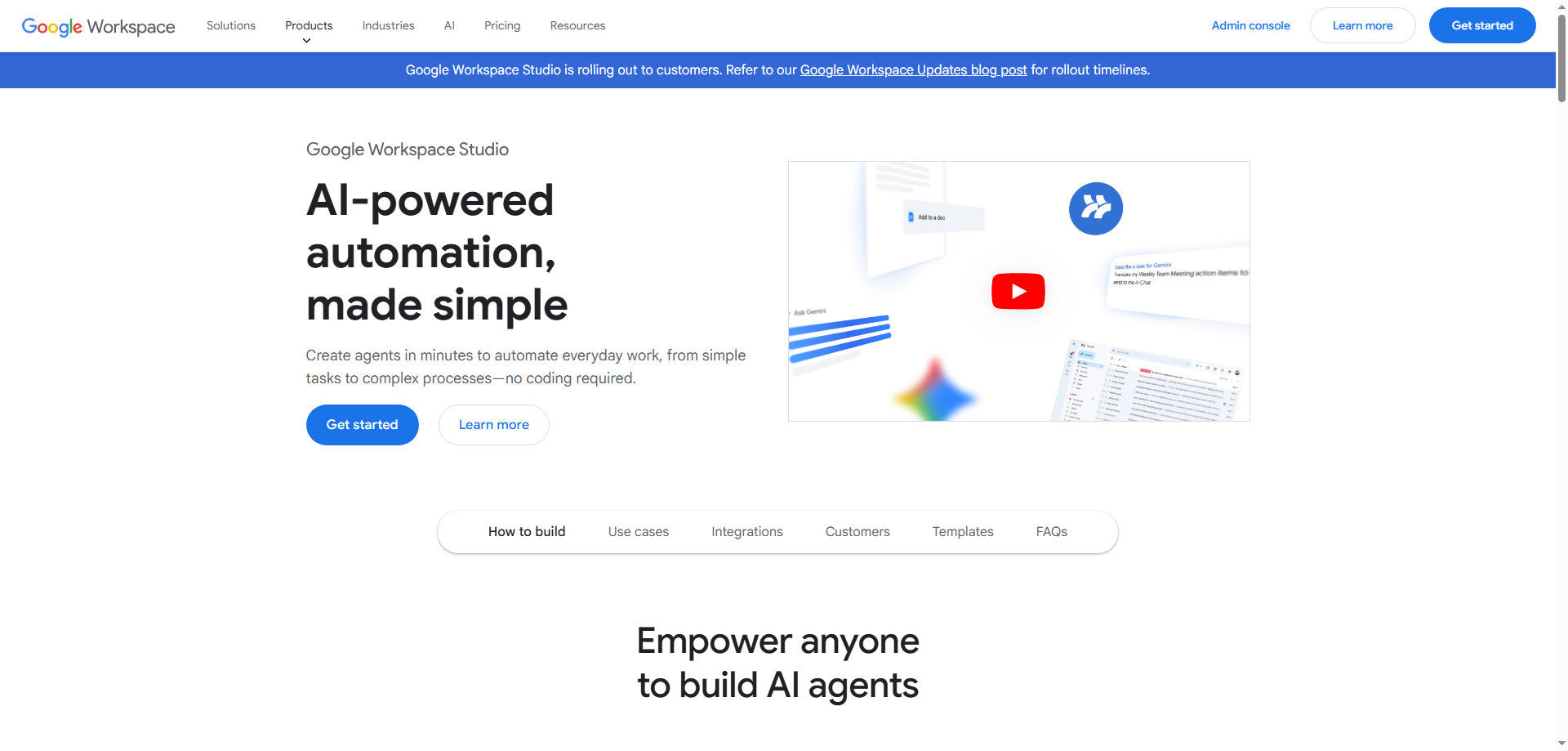
In today’s fast-paced business environment, time is precious. For many professionals, juggling emails, organizing tasks, and generating reports often eats up valuable hours. Enter Google Workspace Studio, an innovative tool that brings artificial intelligence (AI) into everyday office tasks—without requiring any coding expertise. Powered by Gemini 3, Google Workspace Studio makes it easy for users to create AI agents that streamline workflows across Gmail, Docs, Sheets, and more.
Whether you're looking to automate email sorting, generate reports, or manage projects with ease, Google Workspace Studio provides an intuitive platform to integrate AI seamlessly into your routine. Let's dive into how this game-changing tool works, its features, and how it can revolutionize the way you work.
What Is Google Workspace Studio?
Google Workspace Studio is a no-code platform that allows users to build and deploy AI agents within the Google Workspace suite. From Gmail to Google Docs and Sheets, this tool enables you to automate routine tasks, increase productivity, and improve team collaboration by simply giving natural language commands.
Powered by Gemini 3, an advanced AI system, Google Workspace Studio translates your spoken or typed instructions into effective workflows. For example, you can tell your AI agent to categorize incoming emails based on keywords, generate reports, or even coordinate tasks across different tools. The beauty of Google Workspace Studio lies in its ease of use—no coding skills are needed, and anyone with basic computer knowledge can take advantage of this powerful automation.
Why Use Google Workspace Studio?
Managing repetitive tasks, responding to countless emails, and creating reports can be draining and time-consuming. Traditional tools often require users to manually set up processes, which is inefficient. Google Workspace Studio solves this problem by integrating AI into your workspace to handle these tasks with minimal input from you.
Here’s why you should consider using Google Workspace Studio:
- Time-Saving Automation: Automatically handle email categorization, data analysis, and report generation without lifting a finger.
- Ease of Use: No need to write code—simply describe the task in natural language, and let the AI take care of the rest.
- Custom AI Agents: Tailor AI agents to your specific needs, whether it's sorting emails, generating reports, or organizing project workflows.
- Seamless Google Workspace Integration: Works effortlessly with Gmail, Docs, Sheets, and other Google Workspace tools, making it easy to fit into your existing workflow.
- Boosted Productivity: Free up valuable time by automating repetitive tasks, allowing you to focus on more strategic or creative work.
Core Features of Google Workspace Studio
1. One-Click AI Agent Creation
Creating an AI agent is as easy as clicking a button. You don’t need any coding experience. Simply define your requirements, and Google Workspace Studio will help you build an AI agent that automates tasks within Google Workspace. This simplifies processes like email sorting, report generation, and data analysis, making it easier for teams to stay organized and efficient.
2. Natural Language Command Processing
The power of Google Workspace Studio lies in its ability to understand natural language instructions. Instead of needing to write complex code or scripts, you can simply describe the task in plain language—like “Sort all emails with ‘Invoice’ into the ‘Finance’ folder” or “Generate a report on monthly sales in Google Docs.” The AI translates these commands into effective workflows, saving you time and reducing the likelihood of errors.
3. Email Automation
Managing your inbox can feel like a never-ending task, especially if you’re dealing with hundreds of emails daily. Google Workspace Studio enables email automation within Gmail, such as sorting emails, flagging important messages, and even drafting responses. Imagine telling your AI to automatically categorize and archive messages from certain clients or to set up autoresponders for specific types of emails. The possibilities are endless.
4. Smart Document and Spreadsheet Assistance
Whether you're working on a document in Google Docs or managing data in Google Sheets, Google Workspace Studio can make your life easier. It helps you automate tasks like generating reports, analyzing data, or filling out forms. You can instruct the AI to summarize key points from a meeting or automatically populate your spreadsheet with relevant information. This reduces manual effort and ensures accuracy in your work.
5. Project Coordination and Workflow Automation
Collaboration is key in team environments, but managing communication and tasks can be overwhelming. Google Workspace Studio offers solutions for streamlining project coordination, such as creating to-do lists, assigning tasks, and tracking project progress. The AI can pull data from your project management tools and update documents in real-time, ensuring that all team members are on the same page and that tasks are completed on time.
How to Use Google Workspace Studio
Using Google Workspace Studio is simple and intuitive, and anyone can get started quickly:
- Set Up Your AI Agent: Open Google Workspace Studio and choose the Google Workspace app where you want to automate tasks (Gmail, Docs, Sheets, etc.).
- Describe Your Task in Natural Language: Tell your AI agent what you need, such as “Sort invoices into a folder” or “Generate a weekly sales report from Google Sheets data.”
- Let the AI Take Over: Once your instructions are set, the AI will handle the task automatically, saving you time and effort.
- Monitor and Adjust: Review the results, and if needed, adjust your instructions to refine the AI’s performance for optimal results.
This easy-to-use process empowers teams and individuals to automate daily tasks, creating more time for creative and high-level work.
Real-World Use Cases for Google Workspace Studio
1. Salesperson Managing Emails
A salesperson receives hundreds of customer emails daily, often needing to prioritize leads. With Google Workspace Studio, they can create an AI agent that automatically sorts incoming emails, flags those from potential clients as “high priority,” and adds follow-up reminders to their task list.
2. Project Manager Generating Reports
As a project manager, regularly reporting on project progress can be time-consuming. Using Google Workspace Studio, the AI can automatically pull data from project management tools and create a status report in Google Docs. The AI can then send it to stakeholders without any manual intervention.
3. Finance Professional Handling Invoices
For a finance professional, dealing with invoices and receipts can take hours each week. With Google Workspace Studio, they can create an AI agent that recognizes invoice emails, extracts attachments, and organizes them in Google Drive. The AI can even update relevant information in Google Sheets, ensuring the financial records are always up to date.
4. Content Creator Refining Documents
A content creator needs to revise their articles based on user feedback. Using Google Workspace Studio, they can set up an AI agent to analyze responses from Google Forms surveys, summarize key feedback, and directly update Google Docs with the necessary changes.
Why Google Workspace Studio Stands Out
What makes Google Workspace Studio truly revolutionary is its simplicity and versatility. By enabling anyone—regardless of coding experience—to create personalized AI agents, Google Workspace Studio empowers users to automate tedious tasks without relying on a developer. The integration with Google’s most widely used tools further enhances the user experience, ensuring that automation feels like a seamless part of your existing workflow.
Conclusion
Google Workspace Studio is a game-changer for individuals and teams looking to optimize their workflow, automate routine tasks, and boost productivity. Powered by Gemini 3, this tool transforms how we interact with everyday office tasks, offering a fast, efficient way to manage emails, generate reports, analyze data, and streamline project coordination. Best of all, it’s accessible to anyone—no coding required.
Whether you’re a business professional, project manager, or content creator, Google Workspace Studio offers the tools you need to save time, increase efficiency, and focus on what matters most: your work. By automating repetitive tasks, Google Workspace Studio enables a smarter, more productive way of working that lets you leave the busy work behind.